Room-by-room selections
Every room laid out with its standard finishes and upgrade options, with photos so buyers can see what they're choosing.
Buying a new condo or home means hundreds of decisions: appliances, cabinets, flooring, paint, upgrades. We built a selection portal that turns those decisions into a guided experience for buyers, and a CRM backend that gives developers and construction managers every choice, price and document in one record.

Selections were made over paper sheets, sample boards and email threads, then re-typed for pricing, contracts and trades. Changes got lost, upgrade pricing was recalculated by hand, and no one had a single view of where each buyer stood.
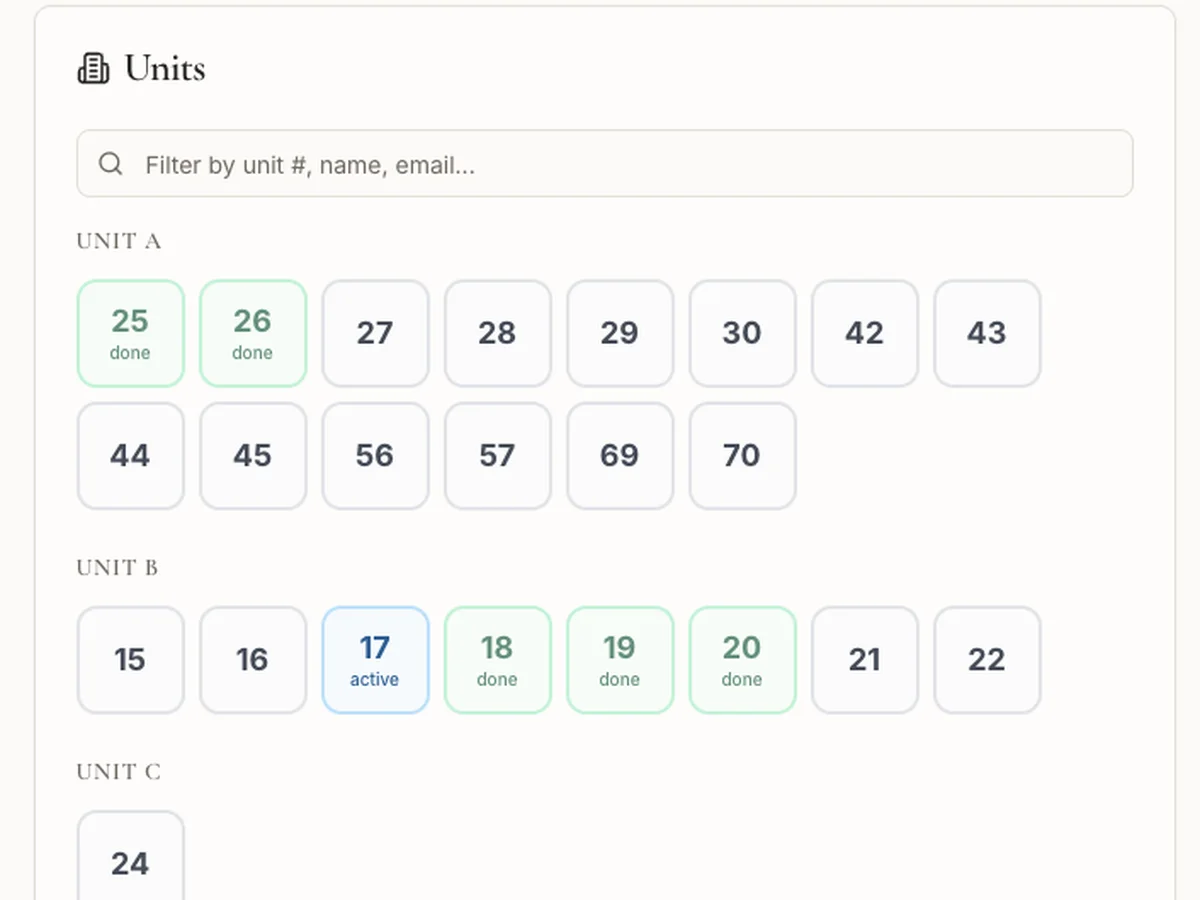
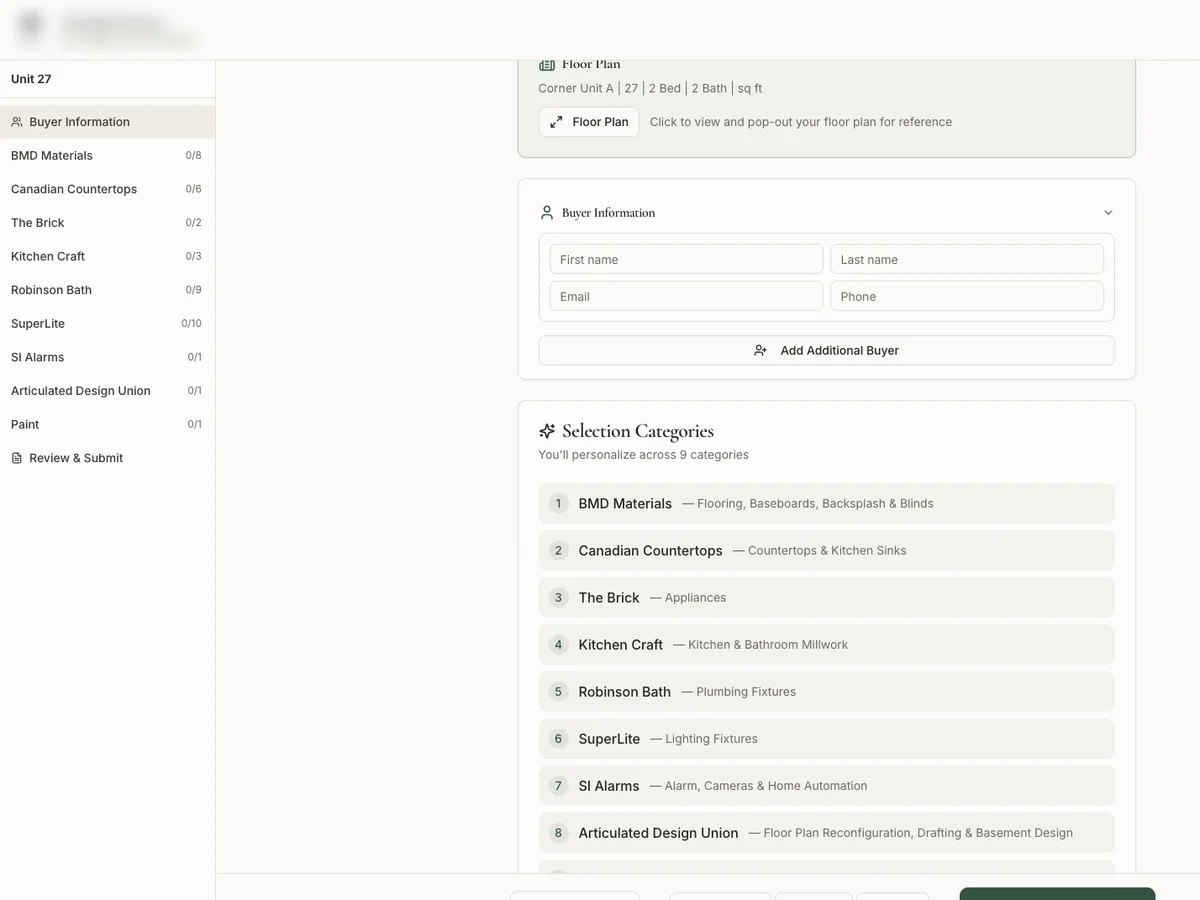
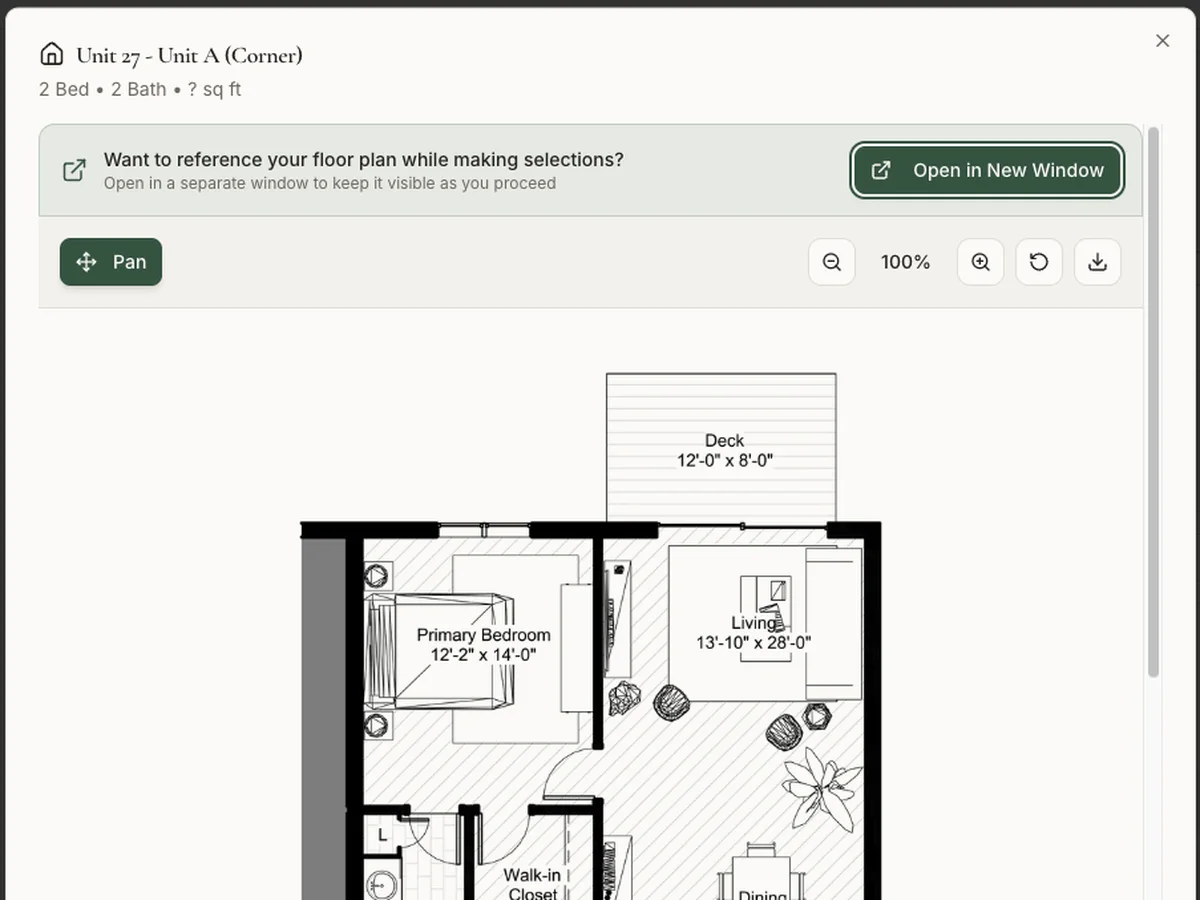
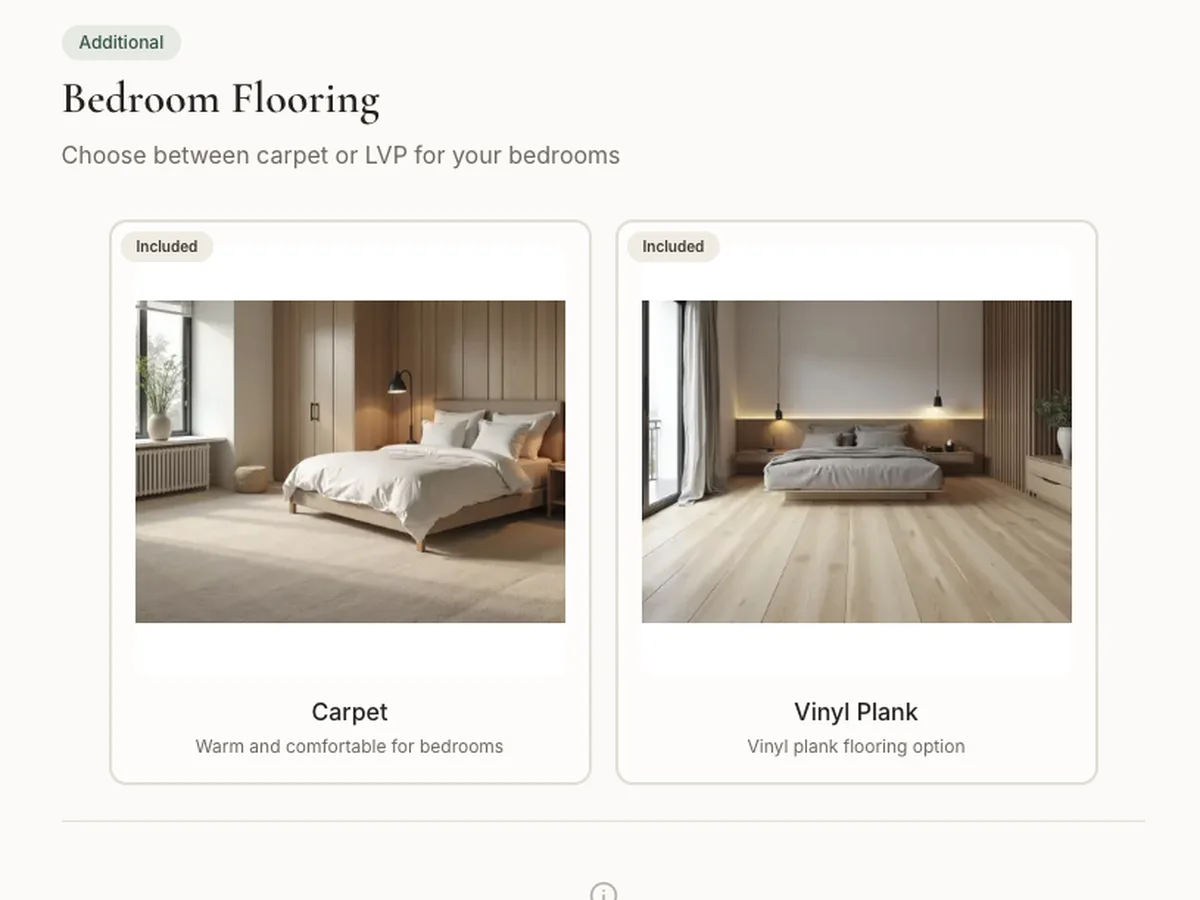
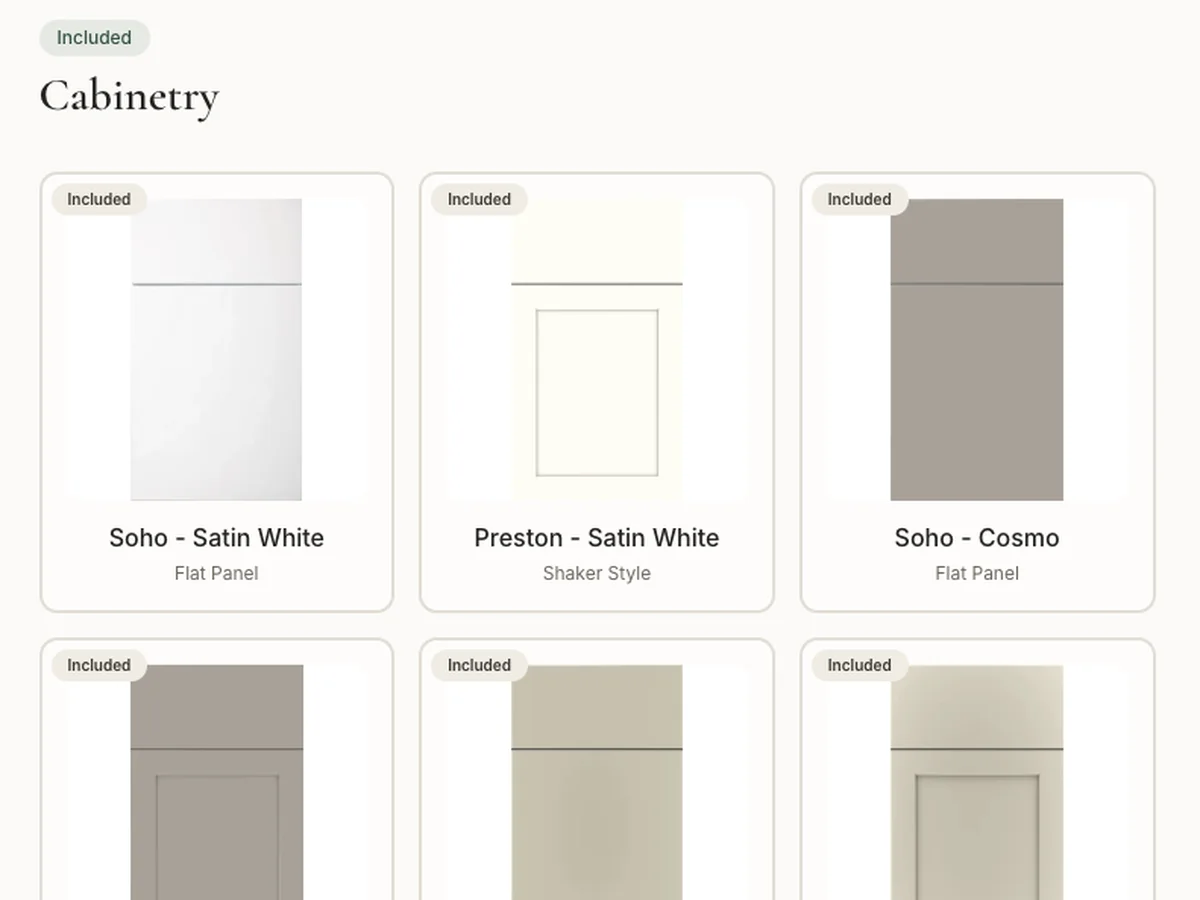
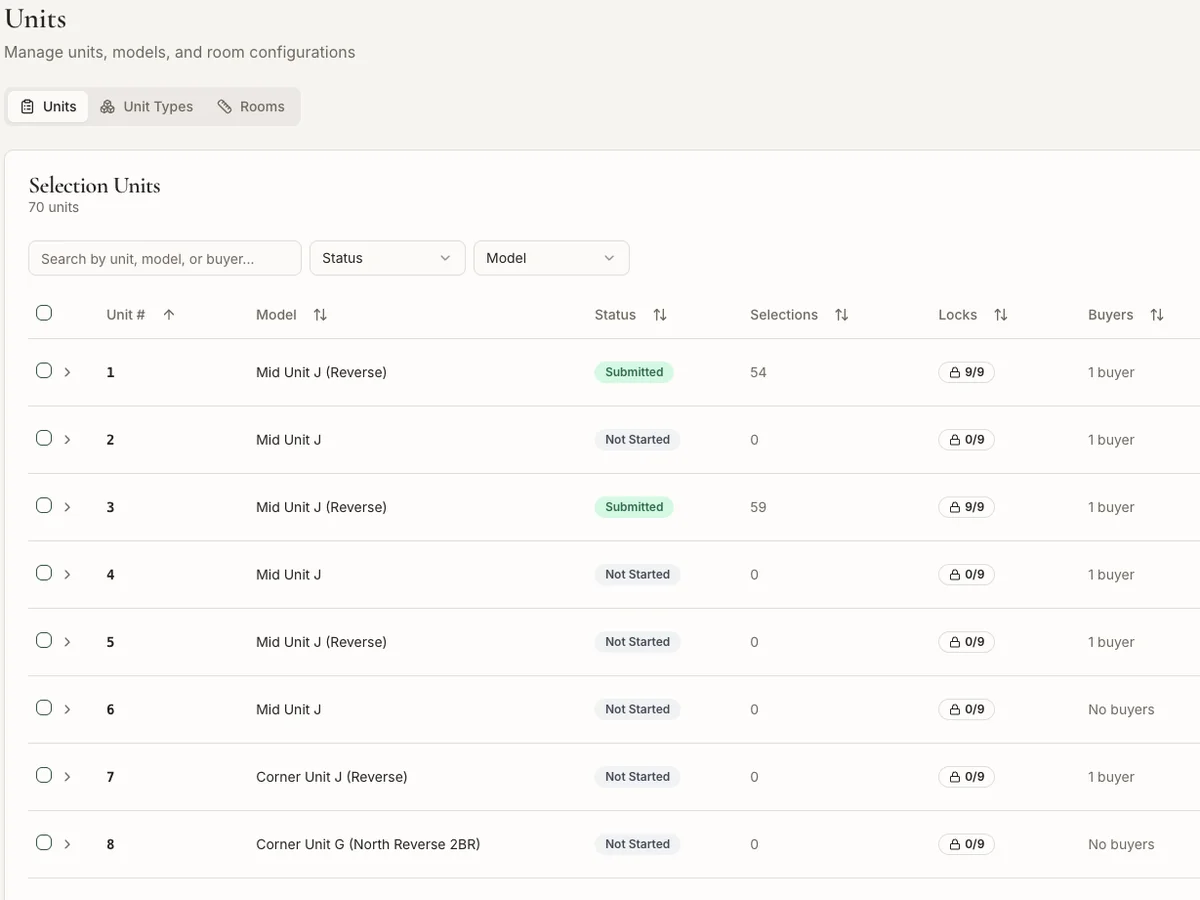
Every room laid out with its standard finishes and upgrade options, with photos so buyers can see what they're choosing.
Appliance packages, cabinets, counters, flooring, fixtures and paint colours, configured per project by the developer.
Prices update as buyers choose, so there are no surprises at sign-off and no manual recalculation.
Each buyer's contact details, unit, selections, documents and notes in one record, searchable across projects.
Representatives guide buyers on the same screens, add notes, and keep internal comments separate from what buyers see.
Developers and construction managers see every project, unit and buyer, with filters by project, status or selection.
Built around the tools the team already used, not in place of them.
We build each one around the business using it. It's a good fit if…
Developers, builders and construction managers selling single-family or multifamily homes where buyers choose their finishes.
Yes. Buyers sign in with a secure link by email and can review their selections on any phone, tablet or computer.
Yes. Rooms, options, appliance packages, paint colours, pricing and deadlines are managed by your admins for each project.
No. It's the selection service and buyer CRM. Selections export cleanly to the contracts, ordering and accounting tools you already use.

Ask a question in plain English and get an answer with sources, drawn from thousands of emails, files and property records the company already has.
Read more
Automated reporting, package assembly and verification: month-end reports and owner packages built from your accounting data and documents, checked before anyone sends them.
Read more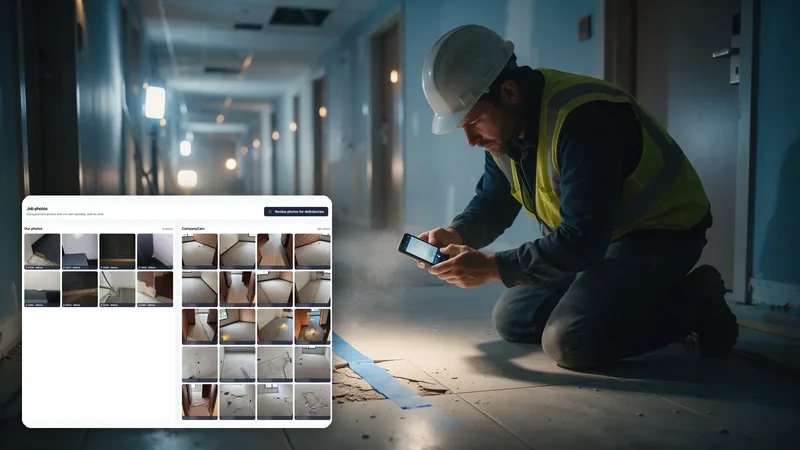
Field technicians report deficiencies to the office from their phones, the office notifies the customer, and every item is tracked to close. Synced with CompanyCam.
Read more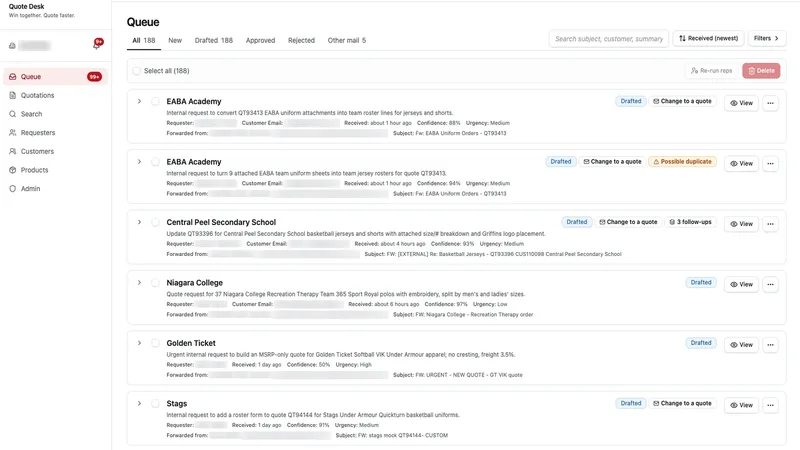
Forwarded quote requests are read by AI and turned into drafted quotes: customer, requester, line items, rosters and artwork, ready for a person to approve.
Read moreTell us what slows your team down. We'll show you a working version on your own data.