Field reporting on any phone
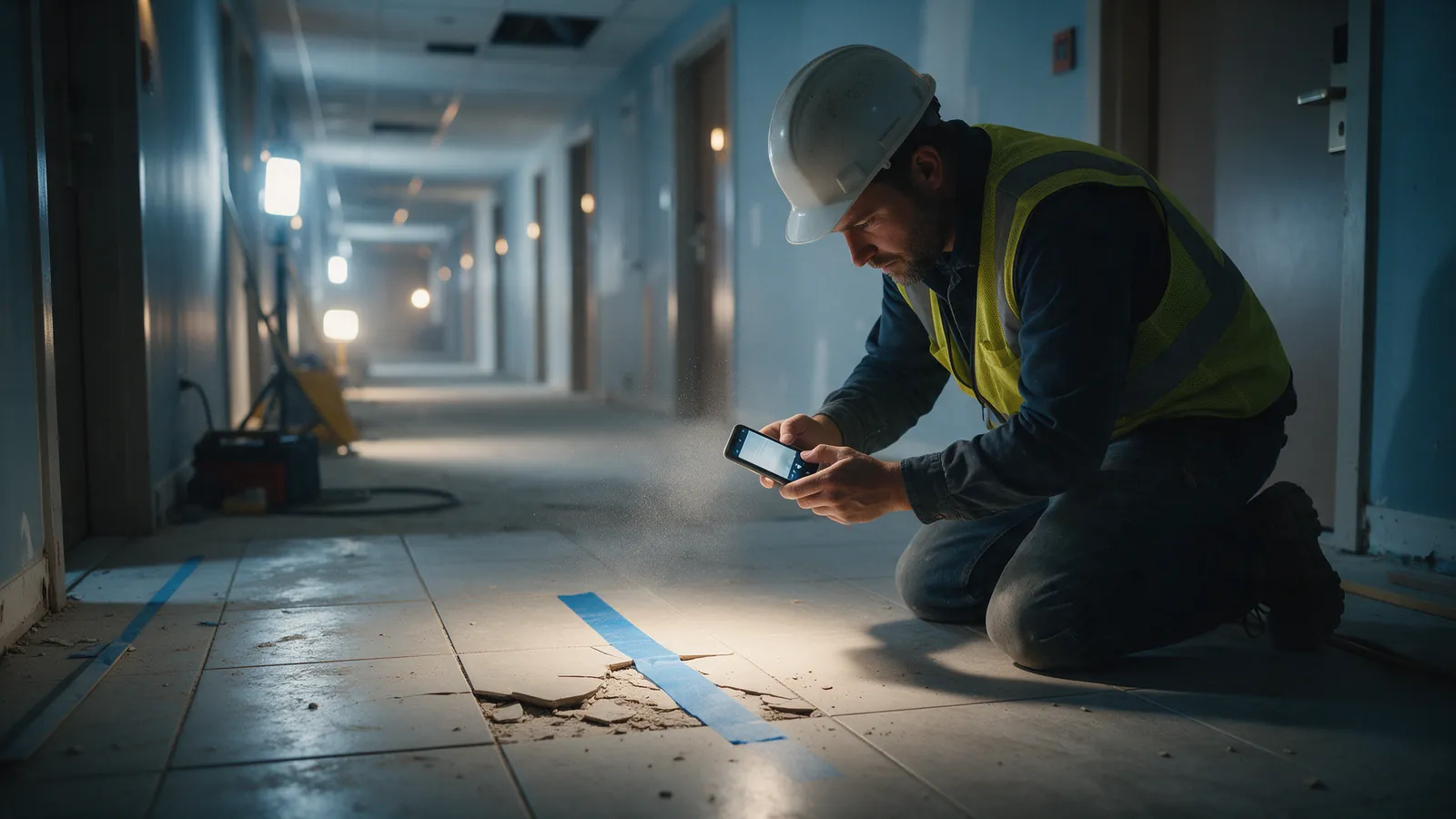
Photo, location, issue and notes captured on site in seconds; nothing to install from an app store.
Deficiencies get found in the field, fixed by the crew and reported to the customer, often through texts, photos and spreadsheets that never line up. We built a reporting and task system that connects all three: technicians report from their phones, the office reviews and notifies the customer, and everyone tracks each item until it's closed.
Deficiencies lived in photo rolls, text messages and spreadsheets. The office couldn't say how many items were open, customers didn't know what was fixed, and photos in CompanyCam had to be matched to items by hand.
Photo, location, issue and notes captured on site in seconds; nothing to install from an app store.
Everything captured in CompanyCam appears in the matching synced project, so crews keep using the app they know.
The office sends customers clear updates and status reports straight from the system.
See every open deficiency by job, area, person or trade, and close items with before-and-after photos.
Assign, prioritize and report on work, with PDF and Excel exports for customers and trades.
Office staff, field technicians, trades and customers each see what they should, across every active job.
Built around the tools the team already used, not in place of them.
We build each one around the business using it. It's a good fit if…
Projects are synced. Everything your crew captures in CompanyCam appears in the matching project in the deficiency tracker, so photos never have to be matched by hand.
Yes. Technicians use it in the browser on any phone; there's nothing to install from an app store.
Yes. The office notifies customers and can share live status and reports for their job.
Yes. It runs many jobs at once, each with its own areas, people, trades and invited customers.

Buyers explore every room of their future home, choose appliances, finishes and paint colours, and lock in their selections, while the developer runs sales and selections from one CRM.
Read more
Ask a question in plain English and get an answer with sources, drawn from thousands of emails, files and property records the company already has.
Read more
Automated reporting, package assembly and verification: month-end reports and owner packages built from your accounting data and documents, checked before anyone sends them.
Read moreTell us what slows your team down. We'll show you a working version on your own data.